
Diecut HQ guide
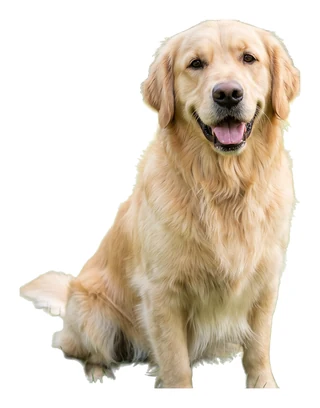


How do I turn a photo of my pet into a sticker?
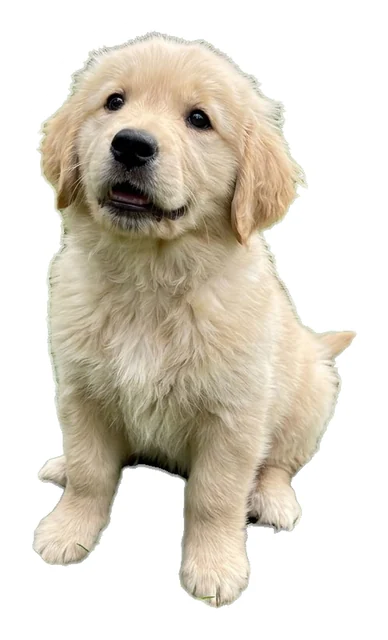
Upload the photo. The background is removed, the cut follows the fur, and a white border goes around the pet. You see a free preview before you pay for anything.
Your logo or photoPNG, JPG or WebP · up to 24 MBUpload a pet photoFree watermarked preview · no sign-up
 Sticker file
 Your upload
Before you start
- You need
- A photo of your pet: PNG, JPG or WebP, up to 24 MB.
- You get
- A PNG with the art cut out, an even white border and a transparent background.
- Time
- Usually under a minute.
- Cost
- The preview is free. The download is one credit.
Step by step
- 01Pick the photo.
One where the pet stands apart from what is behind it. Good light matters more than a high pixel count.
- 02Upload it.
The pet is cut out as it is. The photo is not turned into a drawing.
- 03Check the edge and download.
Look at the fur edge on black and on white in the preview, then download the PNG.
A drawn pet instead
For a cartoon version, use Describe one and describe the pet. That makes a new drawing, not a copy of your photo.
Print size
The file is up to 2048 pixels on the long side, which is about 6.8 inches at 300 pixels per inch. A small phone crop prints smaller.
Try it with a photo of your pet.
Your logo or photoPNG, JPG or WebP · up to 24 MBUpload a pet photoFree watermarked preview · no sign-up
More guides
 Print itWhat size should a sticker file be for printing?Print size in inches is the pixel size divided by 300. A 900 pixel file prints 3 inches at full quality, and a 2048 pixel file about 6.8 inches.Read the guide →
 Print itHow do I make print then cut stickers with a Cricut?Upload a transparent PNG to Design Space as a Print Then Cut image. With a file from this tool the white border is already in the image, so there is no Offset step.Read the guide →
 Make a stickerHow do I make a die-cut sticker from my logo?Upload the logo and you get a PNG with the art cut out, an even white border around it and a transparent background, ready to print. The preview is free.Read the guide →