
Diecut HQ guide


How do I make stickers to sell on Etsy?
You need artwork you have the rights to, one print-ready file per design, and a way to print: a sticker shop, a print-on-demand service, or your own printer and cutter. Then photos and a listing.
Your logo or photoPNG, JPG or WebP · up to 24 MBUpload an imageFree watermarked preview · no sign-up
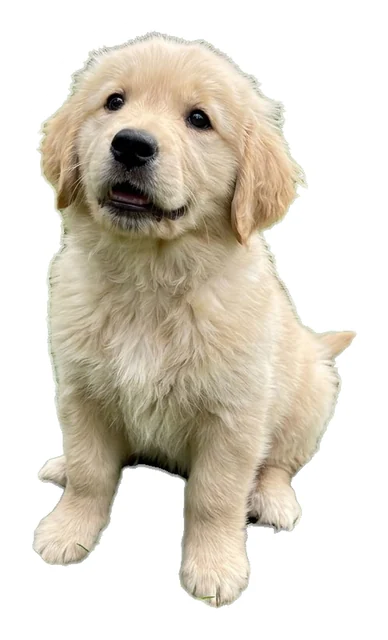 Sticker file
 Your upload
Before you start
- You need
- An image file: PNG, JPG or WebP, up to 24 MB.
- You get
- A PNG with the art cut out, an even white border and a transparent background.
- Time
- Usually under a minute.
- Cost
- The preview is free. The download is one credit.
Step by step
- 01Start with art that is yours.
Your own drawings, your logo, your pet. Not a character, team or brand that belongs to someone else.
- 02Make one file per design.
Upload each piece and download its PNG. Keep the files named by design.
 03Choose how they get printed.
A shop prints in bulk, print-on-demand prints per order, a home cutter prints what you need today.
The three ways to print
A shop is cheapest per sticker and needs an order of many. Print-on-demand needs no stock and costs more each. Your own cutter costs time.
What a design costs you here
Previews are free. Each sticker file you download uses one credit from a pack you pay for once.
Turn your first design into a sticker file.
The preview is free.
Your logo or photoPNG, JPG or WebP · up to 24 MBUpload an imageFree watermarked preview · no sign-up
More guides
 Make a stickerHow do I remove the background from a logo for a sticker?Upload the logo. The background is removed and grey haze at the edge is cleaned off. If the logo sits on white, you get two results and choose whether white inside the logo is part of it or a gap.Read the guide →Make a stickerHow do I make a die-cut sticker from my logo?Upload the logo and you get a PNG with the art cut out, an even white border around it and a transparent background, ready to print. The preview is free.Read the guide →Make a stickerHow do I add a white border to a PNG for stickers?A sticker border is an even white outline that follows the shape of the art. Upload the image and the tool adds it in one step, after removing the background.Read the guide →