
Diecut HQ guide
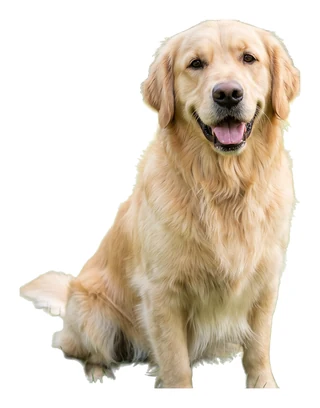

What file does a sticker print shop need?
Most shops take a PNG with a transparent background, at 300 pixels per inch at the printed size, and either draw the cut line from the shape or ask you to approve one. Check the artwork page of the shop you use.
Your logo or photoPNG, JPG or WebP · up to 24 MBUpload an imageFree watermarked preview · no sign-up
 Sticker file
| What the shop asks | What the file is |
|---|---|
| Transparent background | Yes |
| 300 pixels per inch at print size | Up to 2048 px: about 6.8 in |
| Vector or CMYK | No: an RGB PNG |
| A separate cut path | No: the shop draws it |
Before you start
- You need
- Your artwork, and the artwork page of the print shop you plan to use.
- You get
- A PNG with the art cut out, an even white border and a transparent background.
- Time
- Usually under a minute.
- Cost
- The preview is free. The download is one credit.
Step by step
- 02Make the file.
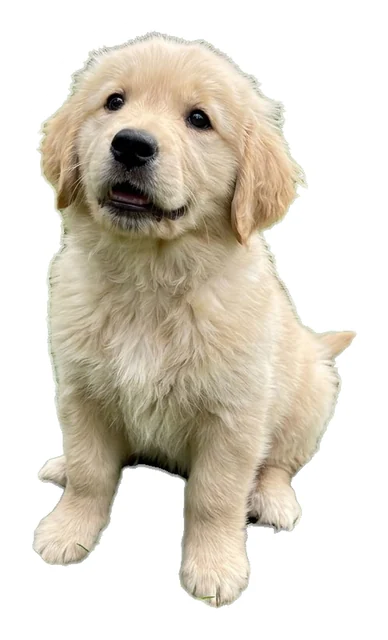
Upload your art here. You get a transparent PNG with an even white border around the shape.
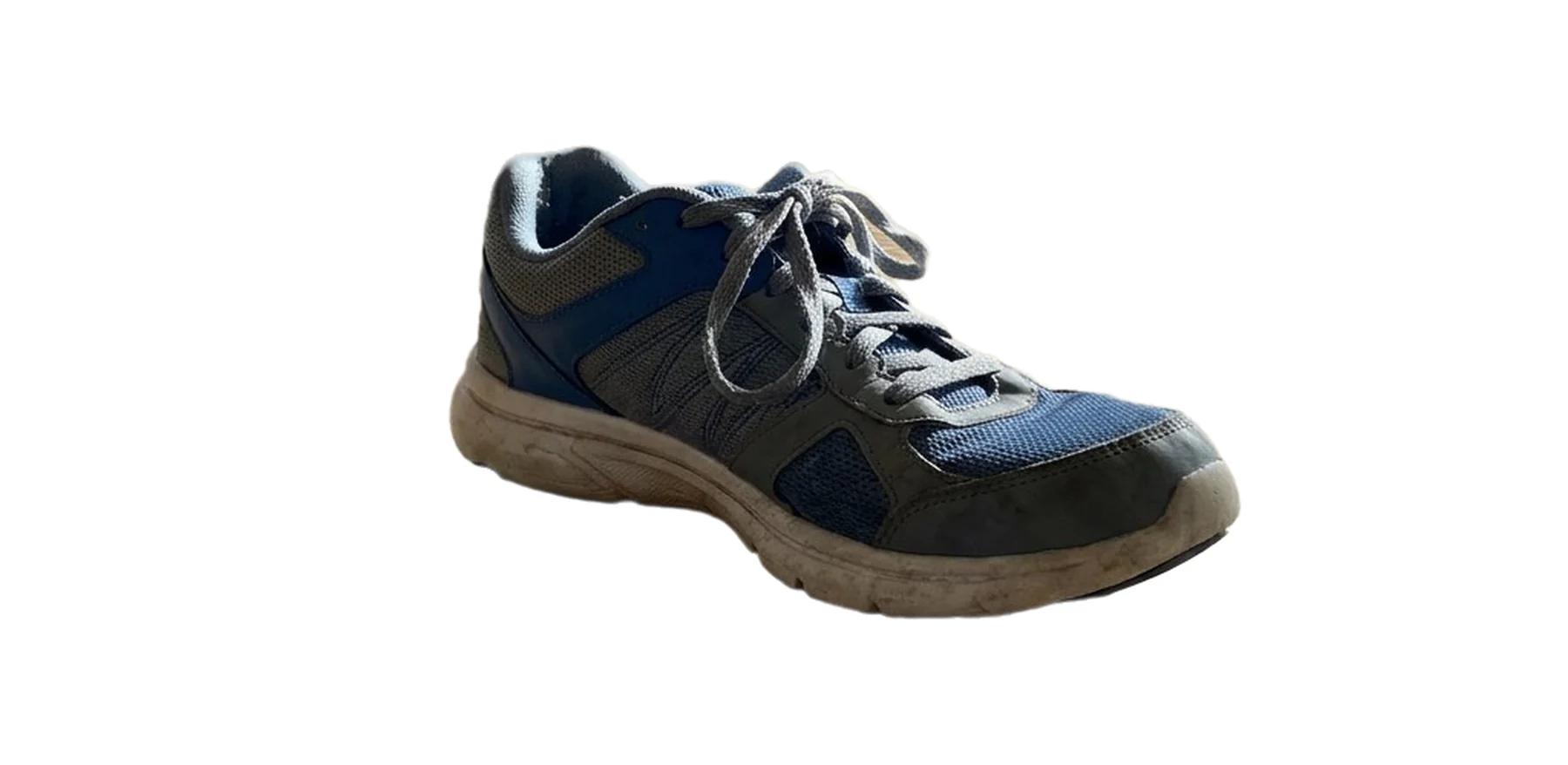 03Check the pixel size against the print size.
Each preview shows the pixel size. Divide by 300 for the inches it prints at full quality.
- 04Send it and approve the proof.
A shop sends a proof with its cut line drawn. Look at the line before you say yes.
What this tool gives you
A transparent PNG in RGB, up to 2048 pixels on its long side, with the white border as part of the image.
See your art as a sticker file before you order.
The preview is free.
Your logo or photoPNG, JPG or WebP · up to 24 MBUpload an imageFree watermarked preview · no sign-up
More guides
 Make a stickerDie-cut or kiss-cut stickers: which one do I need?A die-cut sticker is cut through the backing to the shape of the art. A kiss-cut sticker is cut through the vinyl only and stays on a square backing. The artwork file is the same for both; you choose the cut when you order.Read the guide →
 Make a stickerHow do I make stickers to sell on Etsy?You need artwork you have the rights to, one print-ready file per design, and a way to print: a sticker shop, a print-on-demand service, or your own printer and cutter. Then photos and a listing.Read the guide →
 Make a stickerHow do I remove the background from a logo for a sticker?Upload the logo. The background is removed and grey haze at the edge is cleaned off. If the logo sits on white, you get two results and choose whether white inside the logo is part of it or a gap.Read the guide →